Best Free Fitness App for Losing Weight in 2025
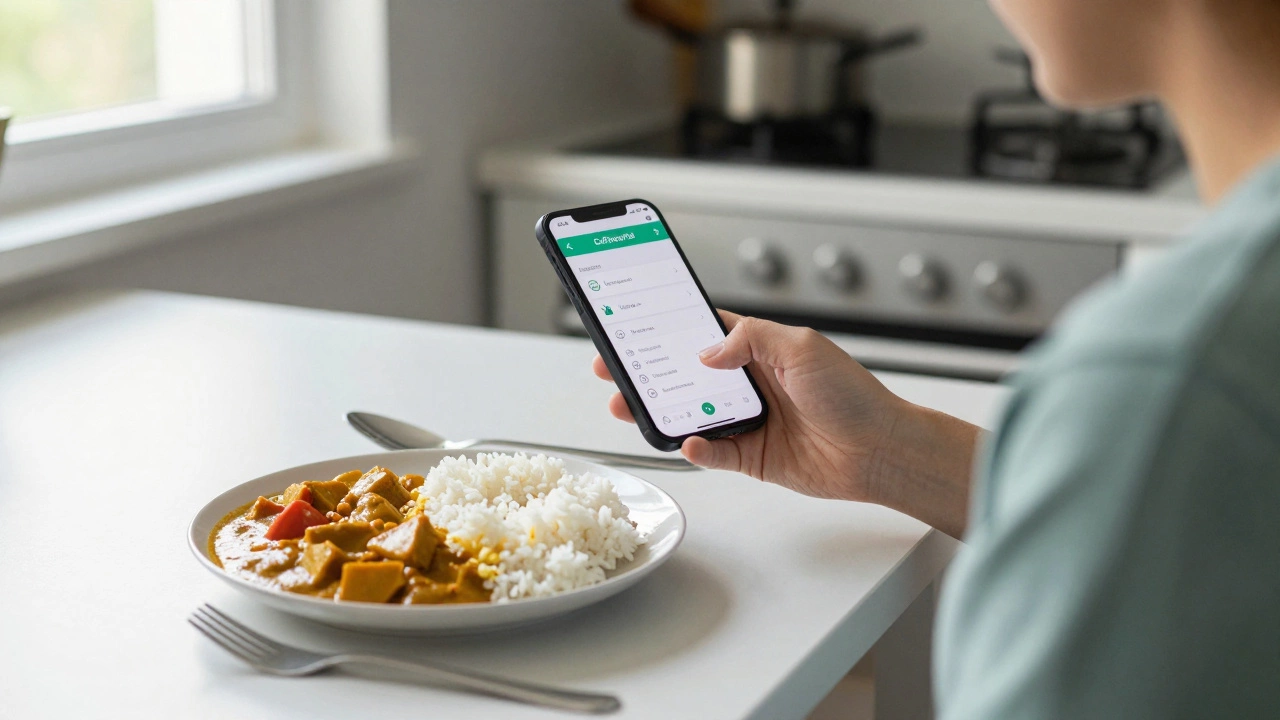
Calorie Budget Calculator
Daily Calorie Needs Calculator
Calculate your personal calorie budget for healthy weight loss based on your current stats.
Your Daily Calorie Needs
Your Basal Metabolic Rate (BMR): calories
Your Total Daily Energy Expenditure (TDEE): calories
Recommended calorie intake for healthy weight loss: calories
Calories burned today: 0
Activity Calculator
See how different activities affect your calorie budget
Walking
Calories burned: 150
Strength Training
Calories burned: 250
If you're trying to lose weight, you don't need to spend hundreds on a gym membership or a premium app. The best free fitness apps for weight loss in 2025 give you everything you actually need: smart tracking, real workouts, and simple habits that stick. No fluff. No paywalls blocking the core features. Just tools that work when you’re starting from scratch or trying to get back on track.
What makes a free fitness app actually work for weight loss?
Not all free apps are created equal. Some just count steps and call it a day. Others give you full-body workouts, meal logging, and progress charts-all without asking for a credit card. The ones that deliver real results have three things:
- Calorie tracking that’s easy-you shouldn’t need a nutrition degree to log your lunch.
- Workouts you can do at home-no equipment, no gym, just your body and a few minutes.
- Progress that shows up-not just weight, but how your clothes fit, how much stronger you feel, how long you can hold a plank.
Apps that skip these are just digital pedometers. The good ones help you build a routine that fits your life, not the other way around.
MyFitnessPal: The OG that still wins
MyFitnessPal has been around since 2005, and it’s still the most used free app for weight loss. Why? Because it has the biggest food database on the planet. Need to log a takeaway curry? It’s there. Scanned a barcode? Done in two seconds. It even remembers your favorite meals so you don’t have to retype them every day.
The free version lets you track calories, protein, carbs, and fat. You can set daily goals based on your weight loss target-whether it’s half a pound a week or two pounds. It syncs with over 100 wearables, including Fitbit, Apple Watch, and Garmin. And yes, it still works even if you don’t own a smartwatch.
Here’s what users report: people who log their food daily lose 2-3 times more weight than those who don’t. That’s not magic. It’s awareness. When you see that a large latte and a croissant add up to 600 calories before 9 a.m., you start making different choices.
Nike Training Club: Free personal trainer in your pocket
If you hate running on a treadmill but still want to burn fat, Nike Training Club (NTC) is your best bet. It’s not just a workout app-it’s a full training program designed by real coaches. All workouts are free. No subscription. No hidden fees.
There are over 200 workouts, from 10-minute bodyweight routines to 45-minute HIIT sessions. You can filter by goal: “Lose Weight,” “Build Strength,” or “Improve Endurance.” The app adjusts based on your fitness level. If you’re just starting, it shows you how to do a squat properly. If you’ve been at it for months, it adds reps and drops rest time.
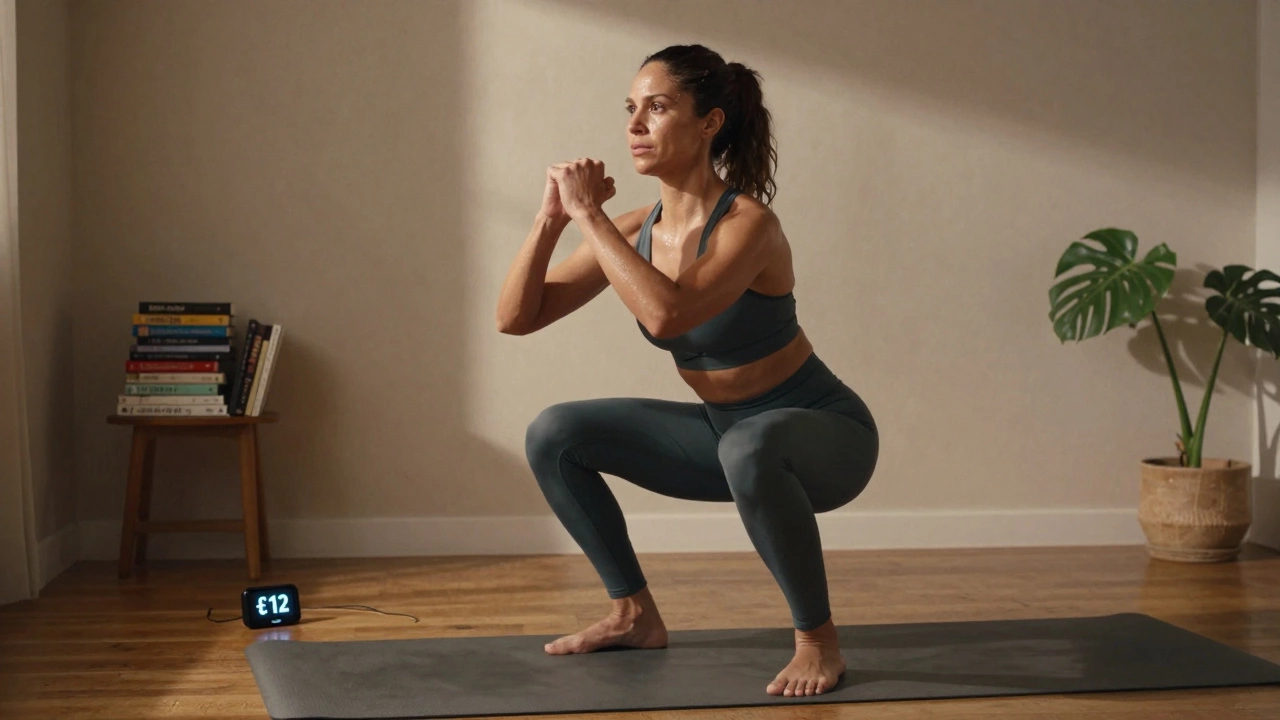
One user in Bristol, a 42-year-old office worker, lost 18 pounds in 5 months using only NTC’s 20-minute morning workouts. No gym. No equipment. Just her living room and a yoga mat she bought for £12 on Amazon.
The app also tracks your workouts automatically. It knows how many calories you burned based on your weight, heart rate (if you use a compatible device), and the intensity of the session. That data feeds into your overall calorie budget.
StrongLifts 5x5: Build muscle to burn fat
Most people think weight loss means endless cardio. But muscle burns more calories at rest than fat. That’s why strength training is one of the most powerful tools for long-term fat loss-and StrongLifts 5x5 is the simplest free app to start with.
This app guides you through a proven 3-day-a-week barbell routine: squats, bench press, deadlifts, overhead press, and barbell rows. You do five sets of five reps. That’s it. No machines. No fancy gear. Just a barbell, some plates, and a squat rack (or even just dumbbells if you’re at home).
The app tracks your lifts. It tells you how much to add each week. It reminds you when to rest. And it shows you your progress over time in a clean, no-nonsense chart. Most users gain strength fast-and drop fat because their metabolism speeds up.
One study from the University of Birmingham found that people who lifted weights three times a week lost 2.5 times more body fat over 12 weeks than those who only did cardio. StrongLifts makes that science simple to follow.
Google Fit: The quiet winner for daily movement
If you’re overwhelmed by logging food and tracking workouts, Google Fit is your quiet backup plan. It doesn’t try to do everything. It just nudges you to move more.
It automatically tracks steps, stairs climbed, and active minutes using your phone’s sensors. You get a daily goal-10,000 steps or 30 active minutes-and it shows you how close you are throughout the day. No typing. No logging. Just movement.
Research from the American Heart Association shows that people who walk 7,500-10,000 steps a day reduce their risk of weight gain by 40% compared to those who walk under 5,000. Google Fit doesn’t force you to diet. It just helps you move more, which naturally creates a calorie deficit.
It also works with other apps. Link it to MyFitnessPal and your step count automatically adds to your daily calorie burn. No double entry. No confusion.
How to pick the right one for you
There’s no single “best” app. It depends on your life, your habits, and what you enjoy.
If you hate cooking and eat out a lot → MyFitnessPal is your friend. Logging food keeps you honest.
If you’re bored by cardio and want to get stronger → StrongLifts 5x5 will change your body faster than any treadmill routine.
If you need structure and variety → Nike Training Club gives you new workouts every day without cost.
If you just need to move more → Google Fit is the easiest way to build the habit.
Most people who lose weight and keep it off use two apps together. For example: MyFitnessPal for food + Nike Training Club for workouts. Or Google Fit for steps + StrongLifts for strength.
What not to do
Don’t download ten apps and switch every week. That’s how habits die. Pick one that fits your life, stick with it for 30 days, and see what happens.
Don’t ignore sleep or stress. Apps can track calories and reps, but they can’t fix your 3 a.m. scrolling or your 10-hour workdays. Weight loss isn’t just about movement and food. It’s about recovery too.
Don’t wait for motivation. Start with 10 minutes. Log one meal. Do one workout. Progress follows action-not the other way around.
Real results, no magic pills
There’s no app that will melt fat while you nap. But there are apps that make losing weight easier, clearer, and less stressful. The best free fitness apps for weight loss in 2025 don’t promise miracles. They give you tools to build real, lasting change.
Start small. Be consistent. Use one app that fits your life. And remember: weight loss isn’t about perfection. It’s about showing up, day after day, even when it’s hard.
Can I lose weight with just a free fitness app?
Yes, if you use it correctly. Free apps like MyFitnessPal, Nike Training Club, and StrongLifts 5x5 give you the tools to track calories, do effective workouts, and build habits. Weight loss happens when you burn more calories than you consume. These apps help you create that gap without spending money. But they won’t work if you don’t use them consistently.
Are free apps as good as paid ones?
For most people, yes. Paid apps often add fancy features like meal plans, live coaching, or advanced analytics-but you don’t need those to lose weight. The core functions-tracking food, logging workouts, setting goals-are all available for free. In fact, studies show people who use free apps with strong tracking features lose just as much weight as those who pay for premium services.
Which app is best for beginners?
Google Fit is the easiest to start with because it requires no input-just wear your phone. If you want to be more active, MyFitnessPal is the next step because it teaches you about calories without overwhelming you. For workouts, Nike Training Club has beginner-friendly routines with video demos. Start with one, not all three.
Do I need a smartwatch to use these apps?
No. All the apps listed work perfectly with just your smartphone. MyFitnessPal and Google Fit use your phone’s sensors to track steps and activity. Nike Training Club and StrongLifts 5x5 don’t need any external devices at all. A smartwatch helps with convenience, but it’s not required for results.
How long until I see results?
Most people start noticing changes in 3-4 weeks: clothes fit better, energy improves, strength increases. Weight loss on the scale usually starts after 2-3 weeks of consistent tracking. A healthy rate is 0.5 to 1 pound per week. Faster isn’t better-it’s harder to keep off.
Can I use more than one app at the same time?
Yes, and many people do. For example, use MyFitnessPal for food and Nike Training Club for workouts. Google Fit can track your daily steps in the background. Just make sure they sync together. Most of these apps connect to Apple Health or Google Fit, so your data stays in one place.
What if I miss a day?
Miss a day? That’s normal. Don’t delete the app or give up. Just log your food and do one short workout the next day. Progress isn’t linear. What matters is that you keep coming back. The apps are there to help you stay on track-not to punish you for slipping up.
Start today. Pick one app. Do one thing. That’s how real change begins.