Can I Track My Workout Without an Apple Watch? Yes, Here’s How
No-Watch Workout Estimator
Forgot your Apple Watch? Use this tool to estimate your workout impact on your daily rings using just your iPhone data.
Enter your details and click Estimate to see results.
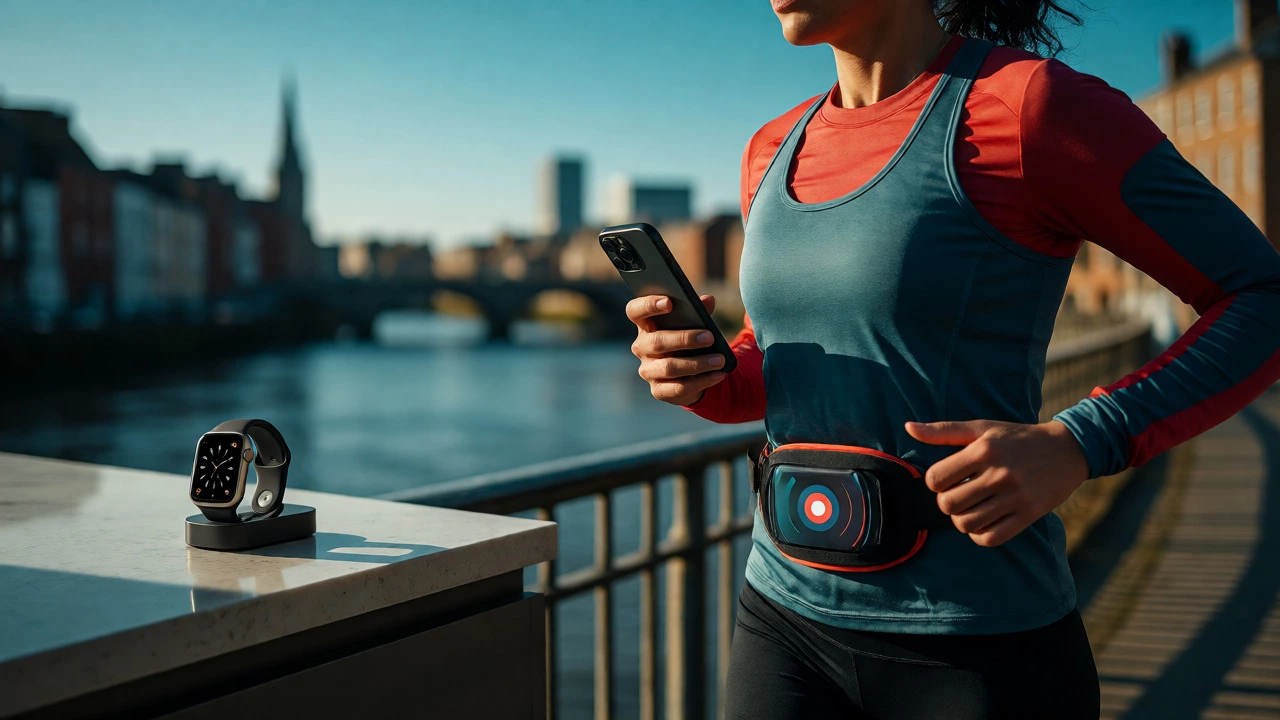
You’re halfway through a run in Bristol, feeling great, when you realize your Apple Watch is charging on the kitchen counter. Panic sets in. Does this mean your stats are lost forever? Will your rings stay unclosed? The short answer is no. You absolutely can track your workout without your watch, and honestly, sometimes it’s even easier.
Most people assume the Apple Watch is the only way to log activity into the Apple Fitness ecosystem. That’s a myth. Your iPhone has been doing heavy lifting for years, and with iOS 17 and beyond, the integration between phone-based tracking and Health data is smoother than ever. Whether you forgot your watch, left it at home, or just hate wearing it while swimming, there are solid ways to keep your streak alive.
Your iPhone Is Already a Tracker
Before we look at third-party apps, let’s talk about what’s already in your pocket. Your iPhone contains an M-series motion coprocessor that tracks steps, distance, and floors climbed automatically. This data feeds directly into the Health app. If you go for a brisk walk without your watch, your phone still counts those steps. It won’t give you heart rate zones (unless you have external sensors), but it will credit your Move ring if the movement is vigorous enough.
Here’s the trick most users miss: manual entry. If you do a structured workout like weightlifting or yoga, your phone doesn’t know you were working out unless you tell it. But you can add this data retroactively. Open the Health app, tap Browse, select Workouts, and then hit Add Data. You can input the type of exercise, duration, and calories burned. It’s not automatic, but it ensures your history remains complete. For many, this level of detail is actually better because you control the accuracy.
The Power of Auto-Detection
If you prefer a hands-off approach, rely on auto-detection features within native apps. The Workout app on your iPhone (integrated into Fitness) can detect certain activities if you carry your phone. For example, if you start walking outdoors with your phone in your hand or pocket, it may prompt you to start a workout. However, this feature is less reliable than the watch because the phone lacks the wrist-based heart rate sensor needed to confirm intensity.
To make this work better, use apps designed for phone-only tracking. Strava and MapMyRun are excellent examples. They use GPS and accelerometer data to map your route and estimate effort. While they won’t give you real-time heart rate data from your wrist, they provide accurate distance and pace metrics. Once finished, these apps sync seamlessly with Apple Health, closing your Exercise and Move rings based on the calculated calorie burn.
External Sensors Fill the Gap
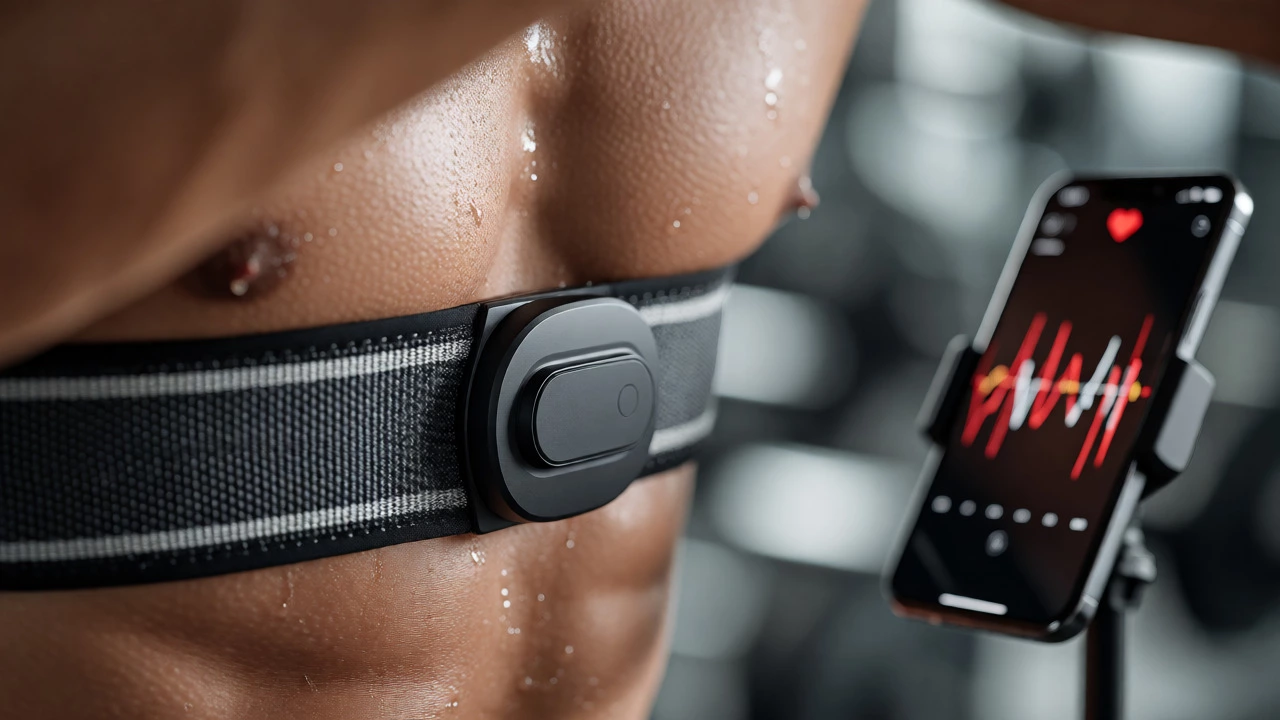
The biggest downside to leaving your watch behind is losing heart rate data. Heart rate is crucial for measuring workout intensity and ensuring you’re hitting your target zones. But you don’t need a watch to get this data. Bluetooth chest straps and armbands have become incredibly popular and affordable.
| Method | Heart Rate Accuracy | Convenience | Cost |
|---|---|---|---|
| iPhone Built-in | None (Steps/Distance only) | High (Automatic) | $0 |
| Bluetooth Chest Strap | Very High (Gold Standard) | Medium (Must wear strap) | $30-$80 |
| Optical Armband | Good (Better than wrist) | Medium (Must wear band) | $50-$100 |
| Third-Party Apps | Low/Estimated (GPS-based) | High (Just use phone) | Free/Freemium |
A chest strap like the Polar H10 connects to your iPhone via Bluetooth. When paired with apps like Peloton, Zwift, or even the native Workout app, it streams live heart rate data to your screen. This allows for precise calorie calculation and zone training, all without a watch on your wrist. Many runners in Bristol prefer armbands during winter months because they’re warmer and less intrusive than watches under thick sleeves.
How to Sync Phone Data to Apple Fitness
Tracking the workout is step one. Getting that credit into your Apple Fitness rings is step two. Not all apps play nice by default. Here is how to ensure your phone-only workouts count:
- Check App Permissions: Go to Settings > Privacy & Security > Health. Ensure the app you’re using (e.g., Strava, Nike Run Club) has write access to "Workouts," "Active Energy," and "Heart Rate."
- Complete the Workout: Finish your session in the third-party app. Do not delete it.
- Open Apple Health: Sometimes syncing is instant; other times, it takes a few minutes. Open the Health app and pull down to refresh.
- Verify in Fitness App: Open the Fitness app on your iPhone. Check today’s summary. If the workout isn’t showing, check the source attribution in the Health app details to see if it was recorded as "Apple Watch" or "iPhone."
If the data doesn’t appear, some apps require a premium subscription to sync full workout data to Health. Always check the fine print before relying on a free tier for critical tracking.
When Phone Tracking Fails
Let’s be real: phone tracking has limits. If you’re doing high-intensity interval training (HIIT) where your heart rate spikes rapidly, GPS lag can mess up your pace data. Also, if you leave your phone in a locker room while you swim laps, you’ll need a waterproof tracker or manual entry later. Swimming is notoriously hard to track accurately with just a phone because GPS doesn’t work underwater.
For strength training, phones are useless unless you manually log every set and rep. There are apps like Hevy or Strong that help, but they don’t auto-detect reps like a smartwatch might. If your goal is detailed performance analytics rather than just closing rings, a watch-or a dedicated gym logger-is superior. But for general health maintenance? Your phone is perfectly capable.
Pro Tips for No-Watch Days
- Carry Your Phone: Obvious, but often forgotten. Put it in a running belt or zippered pocket. If it bounces around too much, your step count inflates inaccurately.
- Use AirTags Smartly: If you’re worried about losing your phone while jogging, attach an AirTag to your keychain or shoe lace so you can locate it easily if you drop it.
- Manual Entry is Your Friend: Don’t stress about perfect data. If you forget to start a tracker, spend five minutes adding the workout manually in the Health app later. Consistency matters more than precision.
- Battery Management: GPS drains battery fast. If you plan a long hike, bring a power bank. A dead phone means zero tracking.
Ultimately, technology should serve you, not dictate your routine. Missing one day of watch tracking won’t ruin your progress. Using your iPhone keeps you connected to your fitness goals without the extra hardware. And hey, maybe you’ll find you enjoy the freedom of not having a screen on your wrist while you move.
Does my iPhone close my Exercise ring without a watch?
Yes, but only if the activity is recorded as a formal workout. Walking alone usually only credits the Move ring. To close the Exercise ring, you must start a workout session in an app that writes to Apple Health, such as the native Workout app, Strava, or MapMyRun.
Can I track heart rate without an Apple Watch?
Your iPhone cannot measure heart rate natively. You need an external Bluetooth sensor, such as a chest strap (e.g., Polar H10) or an optical armband. These connect to your phone and stream data to compatible fitness apps.
Will third-party apps sync with Apple Fitness?
Most major fitness apps (Strava, Nike Run Club, Peloton) sync with Apple Health. As long as you grant them permission to write workout data, their records will appear in your Apple Fitness history and contribute to your daily rings.
What happens if I forget to start tracking?
You can manually add the workout after the fact. Open the Health app, browse to Workouts, and select Add Data. Enter the type, duration, and estimated calories. This ensures your historical data remains consistent.
Is phone tracking accurate for running?
It is reasonably accurate for distance and pace using GPS, though it can suffer from signal loss in dense urban areas or forests. It is generally less accurate than a watch for heart rate and cadence, which require wrist-based sensors.