What Is the #1 Health and Fitness App in 2026? The Definitive Guide
Find Your #1 Fitness App for 2026
Answer three quick questions to discover which app fits your lifestyle perfectly.
Your Recommended Stack
Primary App:
Best Companion:
Why this works:
Stop scrolling through the app store for a minute. You are probably looking for a magic button that turns you into an athlete overnight. There isn't one. But there is a clear winner when it comes to the most essential tool in your digital belt. If you want to know what the #1 health and fitness app actually is, you have to look at where the data lives, not just where the sweat happens.
In 2026, the answer depends entirely on what you are trying to achieve. Are you chasing personal bests on a trail run? Trying to lose ten pounds without starving yourself? Or just wanting to make sure you sleep enough? The "best" app changes based on your goal. However, if we talk about raw user base, data integration, and longevity, one name keeps popping up as the central hub for millions of people.
The Heavyweight Champion: MyFitnessPal
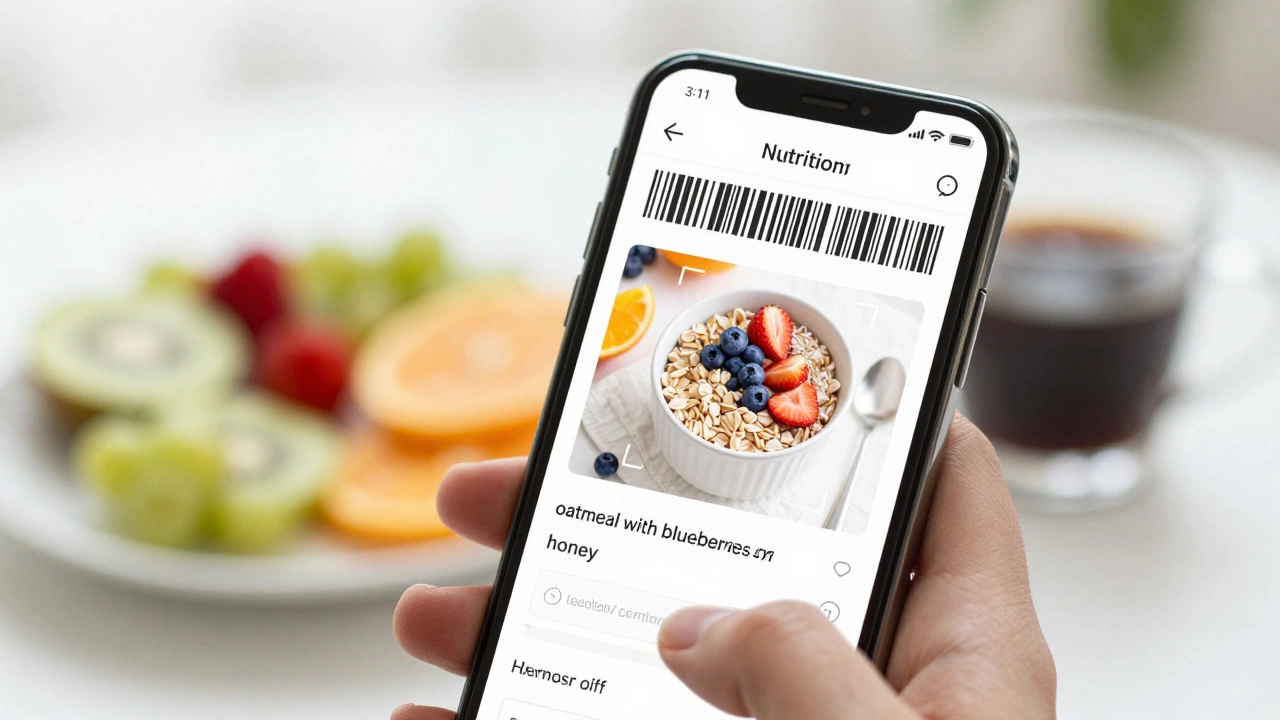
If we define "#1" by sheer volume of users and database size, MyFitnessPal remains the undisputed king of nutrition tracking. Launched way back in 2005, it has built a food database that contains over 14 million items. That number matters because typing in "oatmeal with blueberries and honey" works instantly. In other apps, you might have to manually enter every single ingredient.
Why does this matter? Because consistency is the hardest part of fitness. If an app makes logging your lunch take five minutes instead of thirty seconds, you will quit. MyFitnessPal’s barcode scanner is still the industry standard. It connects seamlessly with almost every major fitness tracker on the market, from Fitbit to Garmin.
However, there is a catch. Since being acquired by Under Armour, the free version has become more limited. Many features that used to be free, like macro breakdowns and detailed progress charts, now sit behind a premium paywall. This shift has frustrated long-time users who feel the value proposition has dropped. Still, for pure calorie counting, nothing beats its library.
The Social Powerhouse: Strava
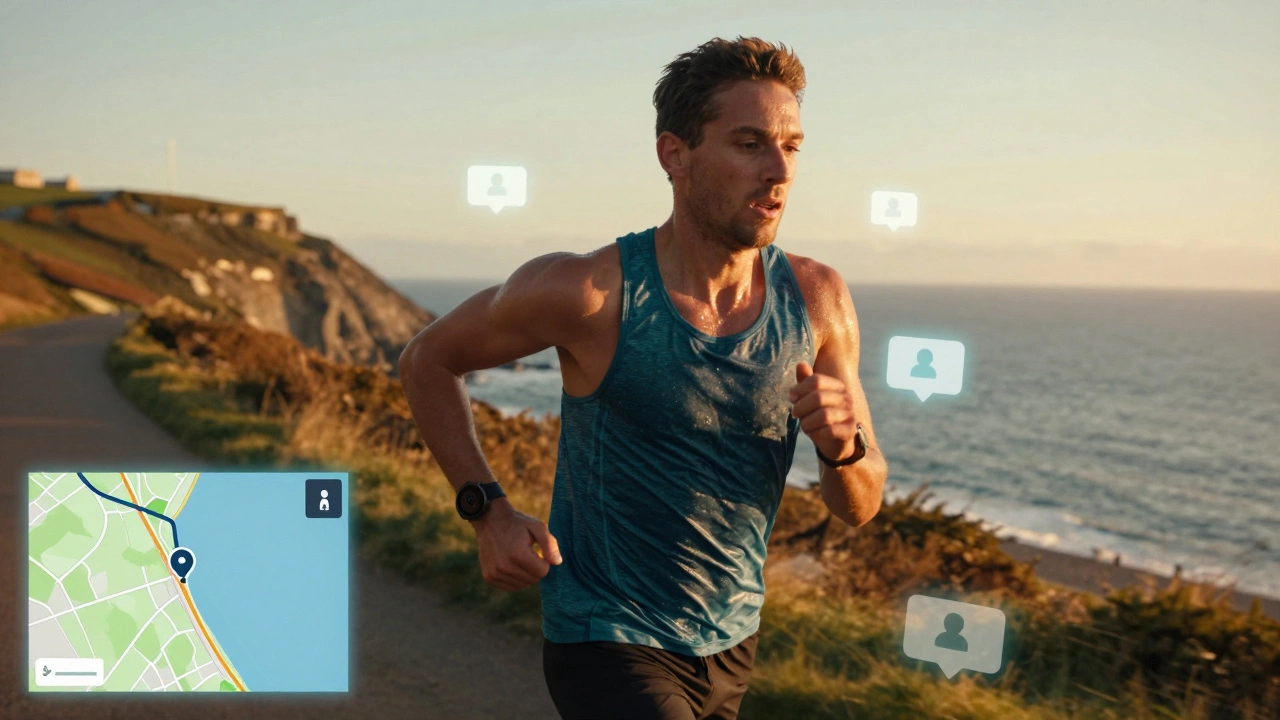
If your idea of fitness involves running, cycling, or swimming outdoors, then Strava is likely your number one app. It is less about counting calories and more about community and competition. Strava turned exercise into a social network. You post your route, your friends give you kudos, and you compete for segment leaderboards.
This psychological hook is powerful. Studies in behavioral psychology show that social accountability increases adherence to habits by up to 65%. Strava leverages this perfectly. When you see your neighbor beat your time on that steep hill near Bristol, you get back out there. It integrates with nearly all GPS watches and phone sensors, making it the go-to for endurance athletes.
The downside? It can be intimidating for beginners. Seeing elite cyclists crush records while you struggle to jog a mile can kill motivation. Also, Strava’s strength is cardio; it is weak on strength training and nutrition. You cannot log a gym session with the same depth here as you can in dedicated weightlifting apps.
The Ecosystem Giant: Apple Health & Google Fit
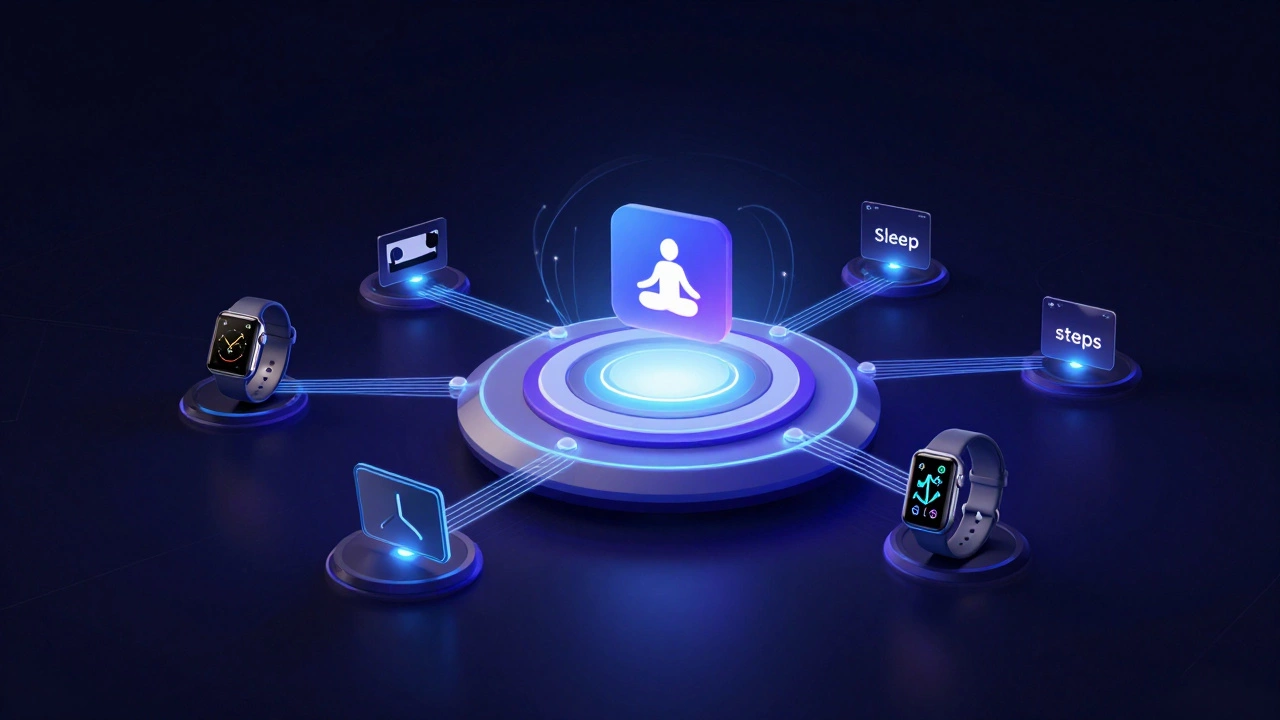
We need to talk about the operating systems themselves. For iPhone users, Apple Health (and its companion, Apple Fitness+) acts as the central repository. It doesn’t do much on its own, but it aggregates data from every other app you use. It is the dashboard of your life.
Similarly, Android users rely on Google Fit. These platforms are "#1" in terms of accessibility because they come pre-installed. They require zero setup. If you just want to know how many steps you took or how well you slept without downloading anything new, these are your best bets.
The limitation is that they are passive. They track, but they don’t coach. They won’t tell you to eat more protein or suggest a specific workout plan. They are excellent record-keepers but poor trainers.
Rising Stars: Specialized Apps
In 2026, the trend is moving away from "do-it-all" apps toward specialized tools. People realize that a generalist app often fails at everything. Here are three contenders challenging the top spot in their niches:
- Nike Training Club (NTC): Free, high-quality video workouts. No ads, no subscription fees. It is the best app for home-based strength and HIIT training if you don’t have a gym membership.
- Cronometer: For the data nerds. While MyFitnessPal relies on user-generated content (which can be inaccurate), Cronometer uses verified nutritional databases. If you care about micronutrients like Vitamin D or Magnesium, this is the #1 choice.
- Headspace: Fitness isn’t just physical. Mental health apps have surged in popularity. Headspace offers guided meditations specifically designed for stress reduction and better sleep, which directly impacts physical recovery.
How to Choose Your Number One App
You don’t need to pick just one. The modern approach is a "stack." Most serious fitness enthusiasts use two or three apps together. Here is a simple decision tree to help you build yours:
| Primary Goal | Recommended App | Key Feature | Cost Model |
|---|---|---|---|
| Weight Loss | MyFitnessPal | Huge Food Database | Freemium |
| Running/Cycling | Strava | Social Competition | Freemium |
| Precision Nutrition | Cronometer | Verified Micronutrients | Free/Paid |
| Home Workouts | Nike Training Club | Video Guidance | Free |
| Data Aggregation | Apple Health / Google Fit | Central Dashboard | Free |
The Privacy Trade-Off
Before you download any app, consider where your data goes. Health data is incredibly sensitive. In 2026, regulations around health privacy are stricter than ever, especially in the UK and EU under GDPR. However, many US-based apps still sell anonymized data to third parties.
Read the privacy policy. Look for phrases like "we may share aggregated data." If you are using an app connected to your insurance provider (like some wellness programs), assume they are monitoring your activity levels closely. Some insurers offer discounts for hitting step goals, but they may raise premiums if you stop exercising. This is a growing concern among consumers.
Common Pitfalls to Avoid
Even the best app won’t save you if you use it wrong. Here are three mistakes I see constantly:
- Obsessing over perfection: Missing one day of logging doesn’t ruin your progress. Perfectionism leads to quitting. Aim for 80% consistency.
- Ignoring sleep: An app that tracks workouts but ignores sleep is half-blind. Recovery is where muscle growth happens. Make sure your app tracks rest days.
- Trusting step counts blindly: Smartwatches can miscount steps if you swing your arms too much while driving or cooking. Use trends, not daily numbers, to gauge progress.
Final Thoughts on the Best Fitness App
There is no single "#1" app for everyone. For most people starting out, MyFitnessPal offers the lowest barrier to entry for nutrition. For active runners and cyclists, Strava provides the necessary motivation. For those who want accuracy above all else, Cronometer is the superior choice.
The real secret isn’t the software. It’s the habit. Pick one app, stick with it for 30 days, and ignore the rest. Consistency beats complexity every time.
Is MyFitnessPal really free?
MyFitnessPal offers a free version, but it is quite limited compared to the past. Basic calorie tracking and barcode scanning are free. However, advanced features like detailed macro breakdowns, meal planning, and ad-free experience require a Premium subscription. For casual users, the free tier is sufficient, but serious dieters often find the paid version worth the cost.
Which app is best for weight loss in 2026?
For weight loss, the best app is one that helps you maintain a calorie deficit consistently. MyFitnessPal is widely considered the best due to its massive food database, making logging easy. However, Lose It! is a strong alternative with a more user-friendly interface. Ultimately, the "best" app is the one you will actually use every day without getting frustrated.
Can I use Strava for weightlifting?
Strava allows you to log weightlifting activities, but it lacks the depth of specialized strength training apps. You can record exercises and sets, but it doesn’t offer plate calculators, progressive overload tracking, or detailed form tips. For pure weightlifting, apps like StrongLifts or Hevy are much better suited. Use Strava primarily for cardio and outdoor activities.
Does Apple Health work with Android?
No, Apple Health is exclusive to iOS devices. If you switch from iPhone to Android, your health data will not transfer automatically. Android users should use Google Fit, which serves a similar purpose as a central health dashboard. Some third-party apps allow limited data export, but direct integration between Apple Health and Android is not possible due to platform restrictions.
Are fitness trackers accurate?
Fitness trackers are generally accurate for step counts and heart rate during steady-state exercise. However, they can struggle with intensity spikes, such as interval training, and may misinterpret arm movements as steps. Calorie burn estimates are often approximations and can vary by 10-20% depending on individual metabolism. Use them as trends rather than absolute truths.