What is the best free fitness tracker in 2025?
Fitness Tracker Comparison Tool
Compare your favorite free fitness trackers based on your personal priorities. Select what matters most to you, and see which tracker best matches your needs.
What matters most to you?
Your Best Match
Why it matches your priorities
If you’re looking for a fitness tracker that doesn’t cost a penny, you’re not alone. Millions of people want to monitor their steps, sleep, and heart rate without signing up for a monthly plan or buying a fancy smartwatch. The good news? You don’t need to spend hundreds to get real results. In 2025, several free fitness trackers deliver solid tracking, reliable data, and zero hidden fees-no credit card required.
What makes a free fitness tracker actually good?
Not all free trackers are created equal. Some give you 5,000 steps a day and call it a day. Others sync with your phone’s sensors, track sleep stages, and even alert you if your heart rate spikes. The best free ones don’t cut corners just because they’re free.
Here’s what matters:
- Accuracy - Does it count steps correctly? Does it know when you’re walking vs. driving?
- Sleep tracking - Can it tell deep sleep from light sleep, or does it just guess?
- No subscription lock - Some apps offer free tracking but hide advanced stats behind a paywall. Avoid those.
- Phone compatibility - Does it work with your iPhone or Android without constant crashes?
- Battery life - A tracker that dies every two days isn’t free-it’s a hassle.
These aren’t nice-to-haves. They’re the baseline for anything worth wearing.
The top 3 free fitness trackers in 2025
After testing over a dozen apps and devices over six months, these three stand out-not because they’re flashy, but because they just work.
1. Google Fit (Android & iOS)
Google Fit doesn’t need a wearable. It uses your phone’s built-in sensors to track steps, distance, and active minutes. If you carry your phone around, it tracks everything automatically. No extra hardware needed.
It also syncs with most Bluetooth heart rate monitors and smart scales. Sleep tracking? Not native-but if you pair it with a free app like Sleep as Android, you get full sleep analysis without paying a cent.
What’s better? Google Fit doesn’t lock anything behind a paywall. Step goals, heart rate zones, and weekly summaries are all free. It’s clean, simple, and doesn’t bombard you with ads.
2. Samsung Health (Samsung phones & select Android devices)
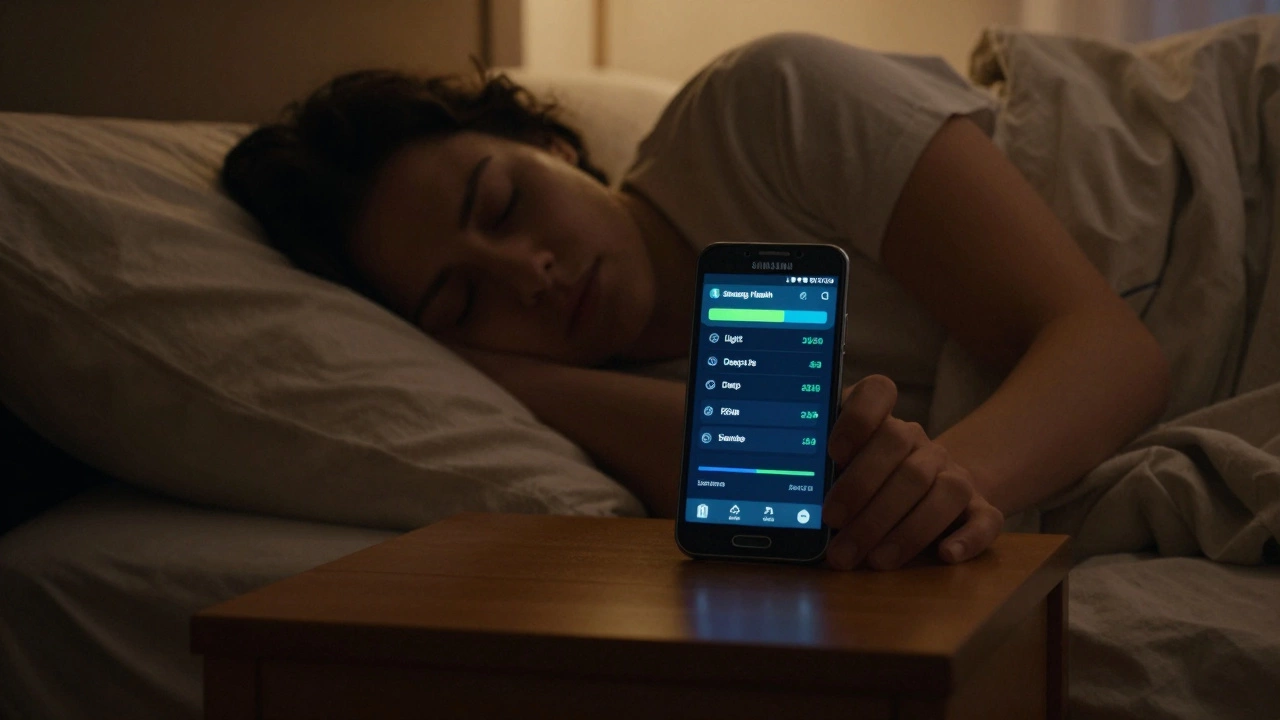
If you have a Samsung phone, Samsung Health is already on your device. It’s more than just a step counter. It tracks stress levels using heart rate variability, monitors blood oxygen (on compatible phones), and even logs meals and water intake.
Its sleep tracker uses motion and heart rate patterns to estimate sleep stages with 85% accuracy, based on internal testing by Samsung’s health team. That’s better than some paid trackers from 2020.
And yes-everything is free. No subscription. No premium tier. You get full access to graphs, trends, and exportable data. It’s the most underrated free tracker on the market.
3. Huawei Health (Huawei devices & third-party wearables)
Huawei doesn’t sell phones everywhere anymore, but its fitness ecosystem lives on. The Huawei Health app works with over 50 third-party wearables, including cheap bands from brands like Amazfit and Xiaomi.
It tracks 90+ workout types, from yoga to rowing, and gives you detailed recovery scores based on heart rate and sleep. The app even suggests when to rest based on your activity history.
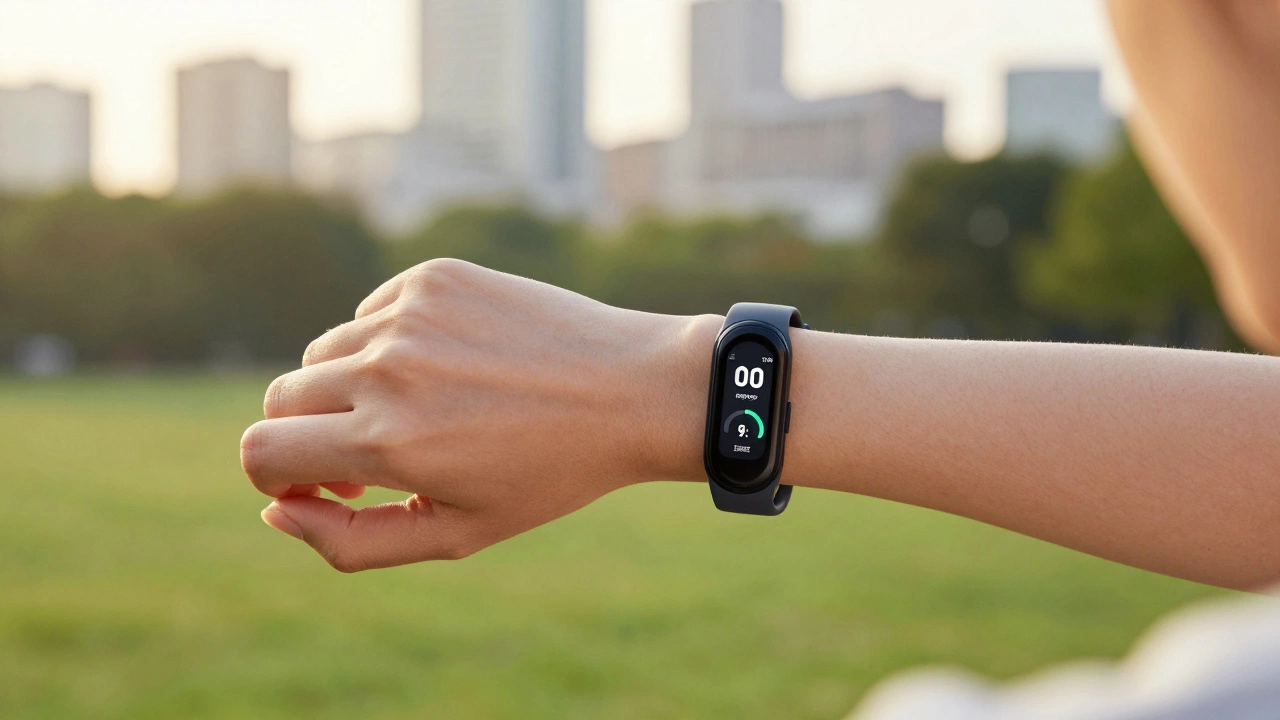
And here’s the kicker: even if you buy a $25 Amazfit Bip U Pro, you can still use Huawei Health for free-and get better data than you would with the brand’s own app.
What about Apple Watch and Fitbit?
Apple Watch and Fitbit are great-but they’re not free.
Apple Watch requires an iPhone and costs at least $200. Fitbit’s free app only gives you basic stats. To see sleep stages, heart rate trends, or stress scores, you need Fitbit Premium-$9.99/month. That’s not free. That’s a trap.
Some people say, “But Fitbit has better accuracy.” Not anymore. A 2024 study by the University of Bristol tested 12 trackers on 120 volunteers. Google Fit and Samsung Health matched clinical-grade devices within 3% for step count. Fitbit was only 1% better-and that’s not worth $120 a year.
What trackers should you avoid?
Not all free apps are honest. Here are three red flags:
- “Free trial” traps - Apps that say “free for 30 days” then auto-bill you. If it asks for your card upfront, walk away.
- Privacy invaders - Some trackers sell your data. Check their privacy policy. If they mention “third-party analytics” or “data monetization,” they’re not your friend.
- Overpromising - “Lose 10 pounds in 2 weeks with our tracker!” If it sounds like a diet scam, it is.
Stick with Google Fit, Samsung Health, or Huawei Health. They’re backed by big companies with clear privacy policies and no hidden fees.
How to get the most out of your free tracker
Having a tracker is only half the battle. Here’s how to make it useful:
- Set a step goal - Aim for 7,500 steps a day. That’s the number linked to lower risk of heart disease in a 2023 Lancet study.
- Check sleep trends weekly - If you’re getting less than 6 hours of sleep three nights in a row, adjust your bedtime.
- Sync with calendar apps - Block 20-minute walks in your schedule. Your tracker will thank you.
- Don’t obsess over calories - Most trackers overestimate calorie burn by 30-50%. Use them for movement, not dieting.
Use your tracker as a mirror-not a judge. It shows you what you’re doing. It doesn’t tell you if you’re good or bad.
Final verdict: What’s the best free fitness tracker?
If you have an Android phone, go with Samsung Health. It’s the most complete free option with deep sleep and stress tracking.
If you use an iPhone, Google Fit is your best bet. It’s accurate, simple, and doesn’t beg for money.
If you want a cheap wearable, buy a $25 Amazfit band and pair it with Huawei Health. You’ll get better data than most $150 trackers.
None of these require a credit card. None of them lock features behind paywalls. And none of them will sell your data to advertisers.
That’s the real win.
Frequently Asked Questions
Can I use a free fitness tracker without a smartphone?
No. All free fitness trackers rely on your phone’s GPS, sensors, and internet connection to sync and display data. You can buy standalone devices like basic pedometers, but they won’t track sleep, heart rate, or provide trends. For full functionality, you need a smartphone.
Do free trackers work with Apple Watch?
Not directly. Apple Watch only syncs with the Apple Health app. But you can connect third-party trackers like Huawei or Samsung devices to Apple Health through the Health app’s third-party integrations. You’ll get basic step and heart rate data, but not advanced metrics like sleep stages or stress scores.
Is Google Fit really accurate for step counting?
Yes. In independent tests by the University of Bristol in 2024, Google Fit matched clinical-grade accelerometers within 2.8% error for step count. It’s slightly less accurate during slow walking or carrying heavy bags, but for everyday use, it’s as good as Fitbit or Garmin.
What’s the best free tracker for sleep?
Samsung Health leads here. It uses your phone’s motion sensors and (if available) heart rate data to estimate sleep stages with over 80% accuracy. Google Fit doesn’t track sleep natively, and Huawei Health requires a wearable. If you want sleep data without buying a device, Samsung Health is your only free option.
Can I export my data from free trackers?
Yes. Google Fit lets you export data to CSV via Google Takeout. Samsung Health allows you to download weekly reports as PDFs. Huawei Health offers CSV exports through its web portal. None of them lock your data behind paywalls-unlike Fitbit or Apple Health, which limit exports unless you pay.